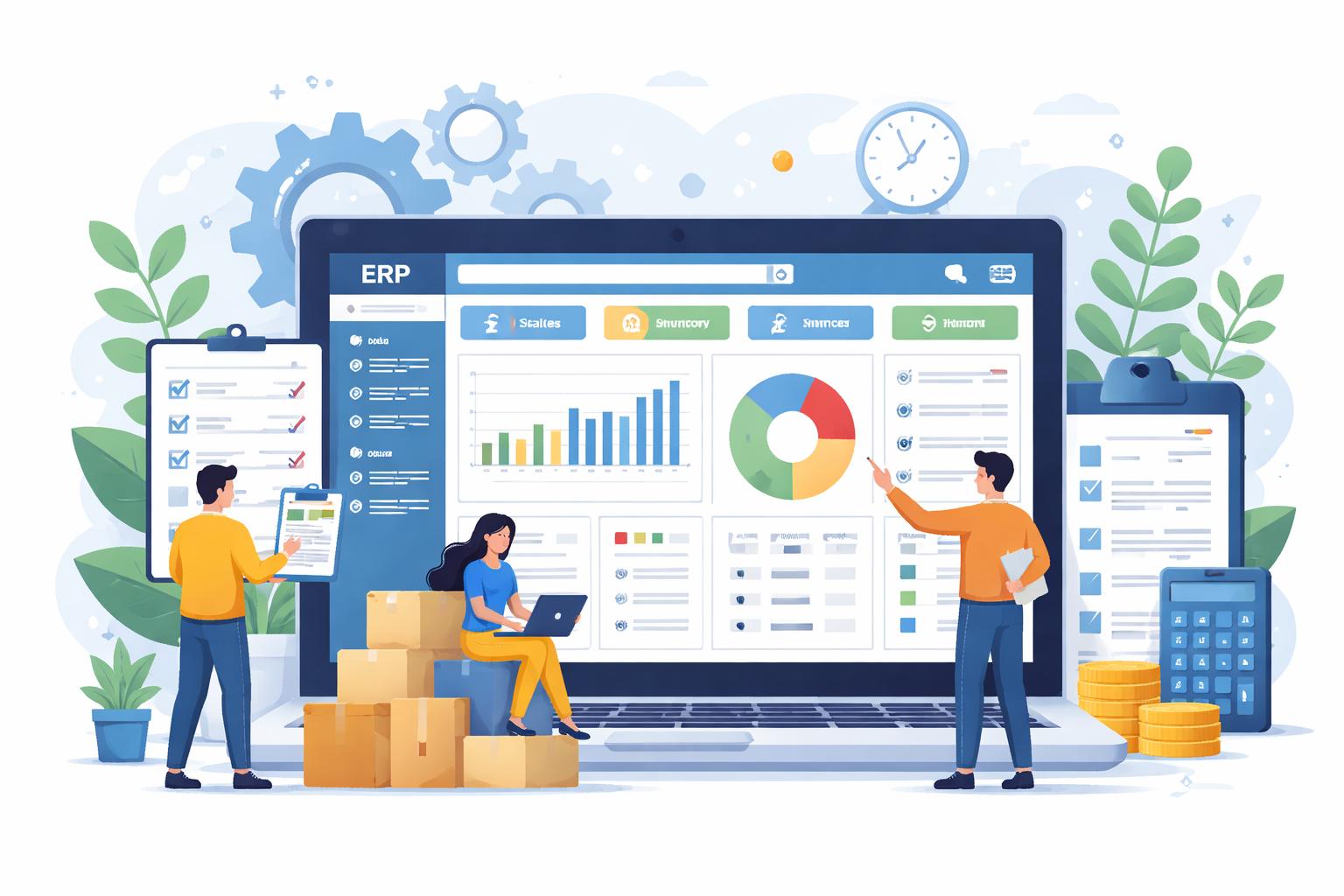
A common misconception is that enterprise resource planning systems are only meant for multinational corporations with massive budgets. In the past, high deployment costs and complex interfaces kept these platforms out of reach for smaller companies. However, the rise of flexible, modular software has completely changed the landscape.
Today, adopting dedicated ERP software for Small Business allows growing companies to automate everyday tasks, reduce overhead costs, and build a solid foundation for long-term scalability.
Signs Your Small Business Needs an ERP
In the early stages, most businesses manage fine with basic spreadsheets, separate accounting software, and manual email chains. But as customer volume grows, these ad-hoc tools quickly become bottlenecks.
You may need a unified platform if you notice:
- Inventory Inaccuracies: Stock counts in your warehouse do not match what is listed on your sales channels, leading to delayed orders or stockouts.
- Duplicate Data Entry: Staff constantly copy information between sales receipts, accounting tools, and shipping forms.
- Delayed Financial Reporting: Closing monthly books takes weeks because receipts and invoices are scattered across multiple systems.
- Customer Support Delays: Service reps lack immediate access to order history and delivery updates when answering client inquiries.
Key Modules for Small Business Operations
A practical small business platform focuses on the fundamental workflows that drive daily revenue. At the core of any effective system is integrated invoicing and accounting, which links sales directly to your general ledger, automates customer billing, tracks expenses, and provides real-time visibility into profit margins on every order.
Equally important is a built-in customer relationship management (CRM) module that keeps complete records of client communications, quotes, purchase history, and support tickets stored in one shared database. Together, these interconnected modules replace scattered spreadsheets with a single, reliable source of truth for your entire operation.
Tips for a Smooth Implementation
Rolling out a new management platform does not have to disrupt your daily business. Follow these best practices to ensure a seamless transition:
- Start with Core Priorities: Focus first on solving your biggest operational pain point, such as messy inventory or slow billing, before turning on additional modules.
- Clean Your Data First: Before migrating your customer lists, vendor details, and product catalogs to the new system, remove duplicate entries and outdated records.
- Involve Your Team Early: Train key employees on the platform during the rollout so they feel confident navigating the new system from day one.
Build a Resilient Foundation for Growth
Investing in an integrated business platform transforms how your company operates. By replacing disjointed tools with a centralized system, you save valuable time, eliminate errors, and prepare your business for sustainable expansion.
Visit PrimeStation to explore user-friendly, scalable enterprise tools designed to help small businesses operate with greater precision and speed.